> ## Documentation Index
> Fetch the complete documentation index at: https://docs.uptrain.ai/llms.txt
> Use this file to discover all available pages before exploring further.
# Create a Project
### What is a Project?
Using UpTrain Dashboard you can manage all your projects.
There are 2 types of projects we support:
* **[Evaluations](/getting-started/dashboard/evaluations):** Run evaluations on your queries, documents and LLM responses
* **[Prompts](/getting-started/dashboard/prompts):** Find the best way to ask questions to your LLM using prompt iteration, experimentation and evaluations
### How does it work?
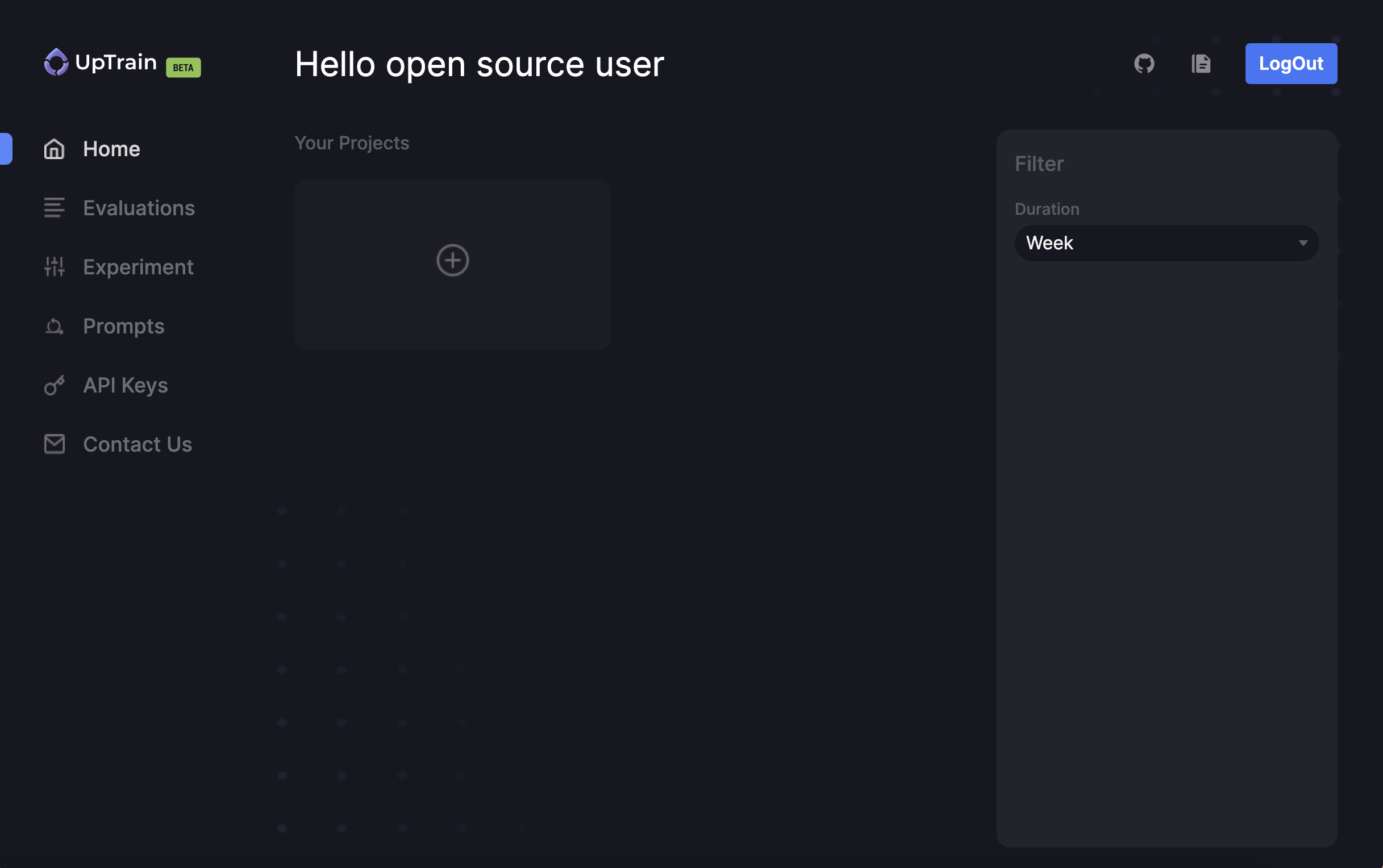
Click on `Create New Project` from Home
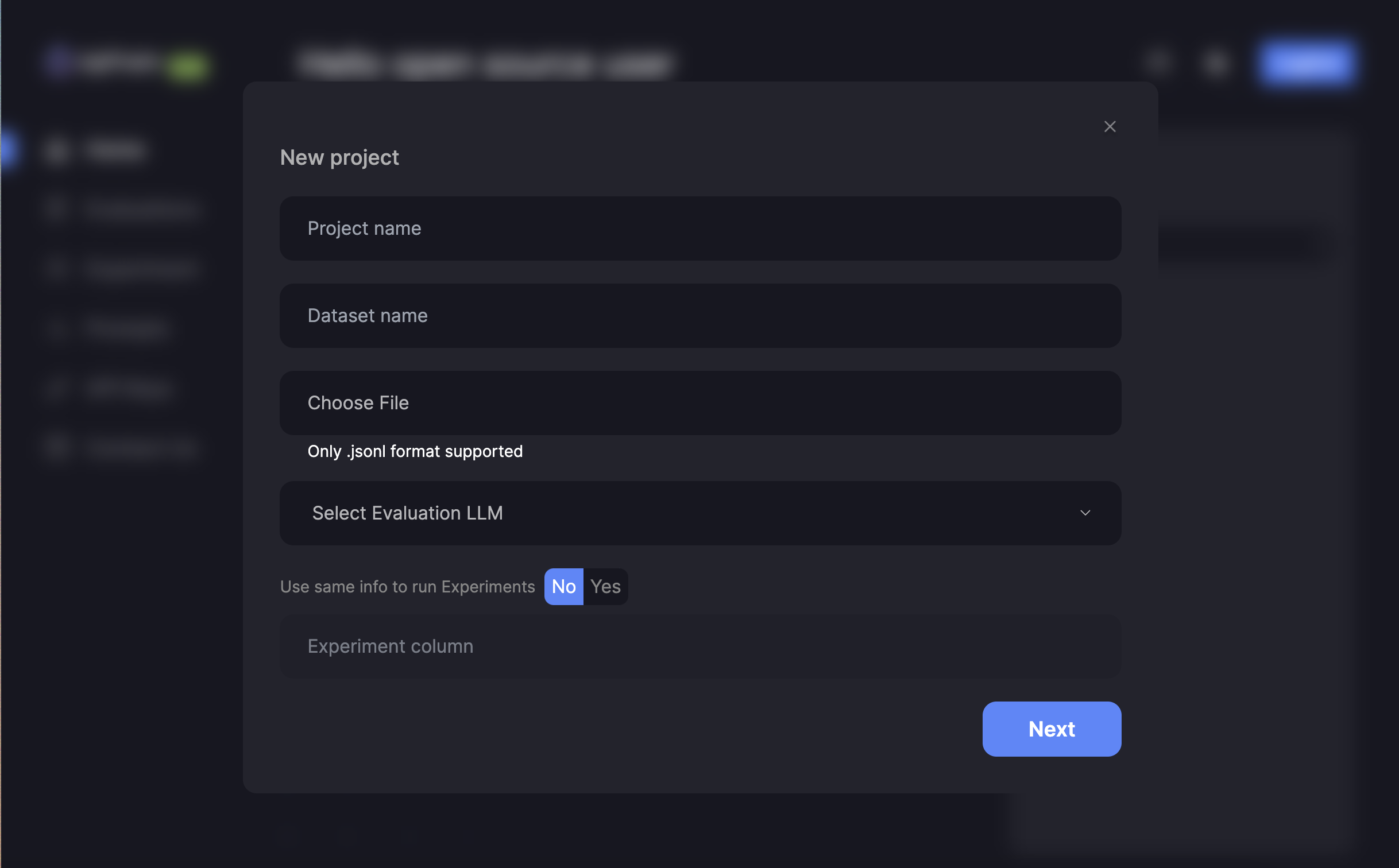
 * `Project name:` Create a name for your project
* `Dataset name:` Create a name for your dataset
* `Project Type:` Select a project type between `Evaluations` and `Prompts`
* `Choose File:` Upload your Dataset
Sample Dataset:
```jsonl theme={null}
{"question":"", "response":"", "context":""}
{"question":"", "response":"", "context":""}
```
* `Evaluation LLM:` Select an LLM to run evaluations
* `Project name:` Create a name for your project
* `Dataset name:` Create a name for your dataset
* `Project Type:` Select a project type between `Evaluations` and `Prompts`
* `Choose File:` Upload your Dataset
Sample Dataset:
```jsonl theme={null}
{"question":"", "response":"", "context":""}
{"question":"", "response":"", "context":""}
```
* `Evaluation LLM:` Select an LLM to run evaluations
 Now that you have created a project, you can run evaluations or experiment with prompts
UpTrain Dashboard is currently in Beta version. We would love your feedback to improve it.
Join our community for any questions or requests
Now that you have created a project, you can run evaluations or experiment with prompts
UpTrain Dashboard is currently in Beta version. We would love your feedback to improve it.
Join our community for any questions or requests